
Ansible can make routine Linux work more consistent
Written by OS Assistance · 20+ years of enterprise Linux experience
Automation does not need to begin with a large platform or a fleet-wide rollout. Start with a small group of servers, a task you can verify, and a change that is easy to reverse. That approach gives your team useful results while it learns how inventories, playbooks, permissions, and reviews fit together.
This guide shows how to start Ansible automation for Linux sysadmins: prepare a pilot, check connectivity, collect a baseline, make one controlled change, and decide when a centralized automation service is useful.
In this guide
- How Ansible works with Linux
- Choose a safe first task
- Build and check a pilot inventory
- Run a baseline and a small change
- Production guardrails for patching and SSH
- CLI, Git, AWX, or Automation Controller?
- A practical 90-day roadmap
Ansible automation for Linux sysadmins: how it works
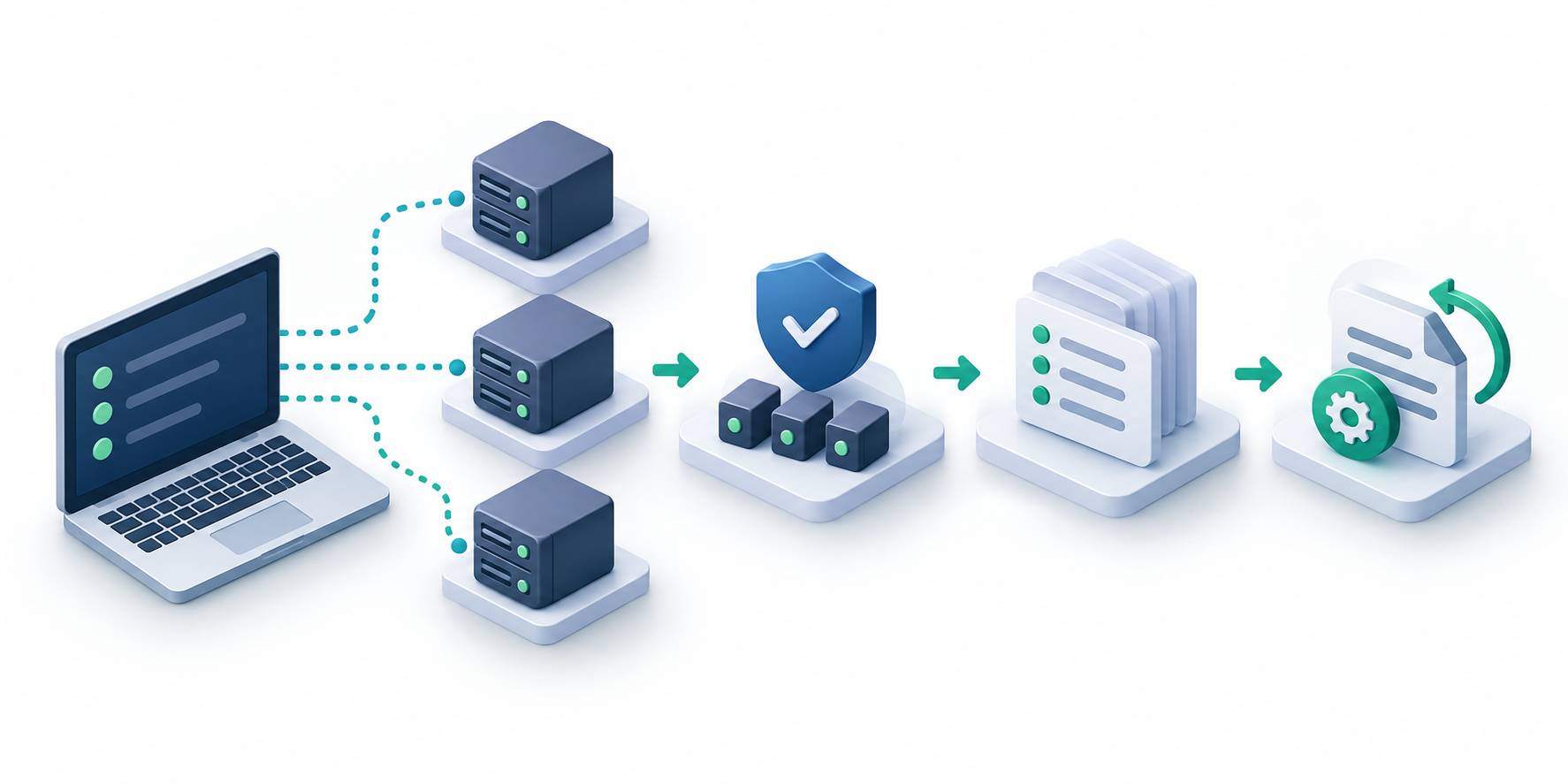
For common Linux workflows, Ansible runs from a control node and connects to managed hosts over SSH. It does not normally require a persistent Ansible agent on each Linux server. You still need a supported control-node setup, network reachability, usable credentials, appropriate privilege escalation, and Python on most managed nodes for many modules. Check requirements for the specific modules and operating systems you plan to use.
Ansible also does not make every task idempotent automatically. Modules that describe a desired state—such as a package being installed or a file having specified content—can report no change when the host already matches. A raw shell command may run again each time unless you add conditions or replace it with a state-based module.
Use a private Git repository to review and version inventories, roles, variables, and playbooks. Keep secrets in an approved secrets manager or Ansible Vault, restrict who can run privileged jobs, and avoid placing credentials in command output or diffs.
Choose a safe first Ansible automation task
Pick work that happens repeatedly and has a clear success check. A first project should teach the team how Ansible behaves without putting availability or data at unnecessary risk.
- Start with visibility: gather OS, kernel, package, or service facts and produce a baseline report.
- Keep the pilot small: use a development system or a few representative non-critical hosts before expanding.
- Define success and rollback: write down what should change, how to verify it, and how to restore the previous state.
- Prefer state-based modules: use modules such as
copy,template,package, andservicewhere they fit. - Review every production change: keep playbooks in Git and require a second set of eyes for work that affects access, security, or availability.
Useful starter projects include collecting host facts, deploying a non-sensitive configuration file, checking service state, or managing a test user’s authorized public key. Leave broad patching, partition changes, database maintenance, and SSH access policy changes until the team has a tested workflow.
Build and check a Linux pilot inventory
An inventory groups the systems Ansible can target. Begin with a small, explicit pilot group rather than pointing an experimental playbook at every production host.
[linux_pilot]
web01.example.com
app01.example.com
Save this as inventory/pilot.ini. Confirm the group resolves as expected, then use Ansible’s built-in ping module to test the Ansible connection and Python-based module execution. This is not an ICMP network ping.
ansible-inventory -i inventory/pilot.ini --graph
ansible -i inventory/pilot.ini linux_pilot -m ansible.builtin.ping
Use a dedicated account with the minimum access your tasks need. If a task needs root privileges, configure and review privilege escalation explicitly; do not distribute a shared root password in an inventory file.
Run a baseline before changing production systems
A facts-only playbook provides a low-risk first run. It helps validate inventory, connectivity, and host facts before you introduce tasks that alter system state.
---
- name: Collect a baseline from pilot Linux servers
  hosts: linux_pilot
  gather_facts: true
  tasks:
    - name: Report the operating system and kernel
      ansible.builtin.debug:
        msg: >-
          {{ inventory_hostname }}:
          {{ ansible_distribution }} {{ ansible_distribution_version }};
          kernel {{ ansible_kernel }}
Save it as playbooks/baseline.yml, then validate its syntax and run it against the pilot inventory:
ansible-playbook -i inventory/pilot.ini playbooks/baseline.yml --syntax-check
ansible-playbook -i inventory/pilot.ini playbooks/baseline.yml
Syntax checking catches some playbook parsing problems; it does not prove that credentials, remote permissions, variables, or every task will work at runtime. Run against the intended pilot and inspect the output.
Test one reversible configuration change
After the baseline works, try a harmless file change on the pilot. This example uses Ansible’s state-based copy module to create a marker under /var/tmp. Remove the marker afterward if it is no longer needed.
---
- name: Create a pilot marker file
  hosts: linux_pilot
  become: true
  tasks:
    - name: Write the Ansible pilot marker
      ansible.builtin.copy:
        dest: /var/tmp/ansible-pilot.txt
        content: "Managed by Ansible on the pilot group.\n"
        owner: root
        group: root
        mode: '0644'
Review the proposed change with check and diff mode before a normal run:
ansible-playbook -i inventory/pilot.ini playbooks/pilot-marker.yml --check --diffCheck mode simulates changes where a module supports it; support varies by module, and a simulation is not a guarantee that the live run will succeed. Diff output can disclose sensitive configuration, so do not enable it indiscriminately or share output containing secrets.
Production guardrails for patching and SSH automation
Once the pilot and review process are reliable, extend automation to higher-impact work in controlled stages. Package updates and SSH changes deserve separate playbooks, explicit approvals, monitoring, and a recovery plan.
Handle patching according to the distribution
Do not assume one Ansible option means the same thing across Linux families. For example, the ansible.builtin.apt option upgrade: dist runs an APT distribution upgrade; it is not a security-only filter. The DNF module can select updates marked as security advisories with its security option when the repositories provide that metadata. Confirm repository behavior and test the exact playbook on each supported distribution.
Before automating updates, define which repositories and package classes are approved, how maintenance windows work, how many hosts can update at once, what happens when a host fails, and how reboot requirements are detected and scheduled. Use small batches and verify application health after each one. Check mode can help review some package operations, but it does not replace a test environment or a maintenance plan.
Make SSH changes recoverable
Automating public-key management or SSH configuration can reduce drift, but a bad access change can lock out administrators. Test it on a pilot, retain an active session and an out-of-band recovery path, validate the effective configuration, and confirm a second login before broad rollout. Account for distribution-specific service names, configuration drop-ins, and existing access policy. Do not disable password authentication until key access and recovery have been verified.
When should you use the Ansible CLI, AWX, or Automation Controller?
A command-line workflow with Git is often a good starting point for a small team that runs reviewed jobs from a controlled workstation, runner, or bastion. It keeps the playbooks in the same version history as the reviews and tests. The team still needs to secure that execution environment and manage credentials carefully.
A centralized web interface can be useful when your operating model needs scheduled jobs, role-based access, delegated launches, managed credentials, job history, or an API. AWX and Red Hat Ansible Automation Platform’s automation controller have their own deployment, upgrade, and operational requirements. Evaluate those requirements against the access controls and workflow the team actually needs rather than treating a dashboard as a prerequisite for automation.
| Workflow | Consider it when | Keep in mind |
|---|---|---|
| CLI plus Git | A small team runs a limited set of reviewed playbooks. | Secure the control node, inventory, SSH keys, and secrets. |
| AWX or Automation Controller | Central scheduling, delegated access, credentials, job history, or API access are operational requirements. | Plan for platform administration, upgrades, access governance, and backup. |
| CI runner | Playbook checks and approved deployments should fit an existing CI workflow. | Protect runner credentials and restrict which branches or approvals can reach production. |
A practical 90-day Ansible automation roadmap
- Weeks 1–2 — Prepare: select a control node, install a supported Ansible version, define SSH access, create a pilot inventory, and put the project in Git.
- Weeks 3–4 — Observe: run connectivity checks and facts-only playbooks. Document the baseline and any differences between distributions.
- Weeks 5–8 — Standardize: automate one low-risk, state-based task. Add syntax checks, peer review, clear output, and a rollback procedure.
- Weeks 9–12 — Expand carefully: test patching or access-management workflows in staging, then deploy in small approved batches with post-change health checks.
At the end of the pilot, review failures and manual steps before adding more automation. A smaller set of understandable playbooks is more useful than a large library that operators cannot safely run or maintain.
Need help planning Linux automation?
OS Assistance can help teams review Linux operations, identify a suitable automation pilot, and plan safe changes for their environment. Current per-server options include Membership + External Monitoring at $25 per server per month and Linux Care Membership at $59 per server per month total. Ask about the scope and delivery of Ansible implementation work before starting a project.
Explore Linux server plans or contact OS Assistance about your automation goals.